
Get ADdes
ADdes runs on a Windows PC, fully offline. It plays its own generated soundtrack, or responds to whatever music you are playing.
Download
Coming soon
There is no public release yet. When there is something to download, this is where it will be.
What you need
- A Windows PC
- ADdes draws on a DirectX 12 graphics card. It has been developed and measured on one PC so far, and AMD and Intel graphics cards have not been tested yet.
- A screen
- Full screen, a window, a TV, or several screens at once. For HDR, turn on Use HDR in Windows display settings and ADdes detects it.
- A headset, if you want one
- Optional. A Quest through Link (a cable or Air Link) puts the dream all the way around you. See the VR page.
How it starts
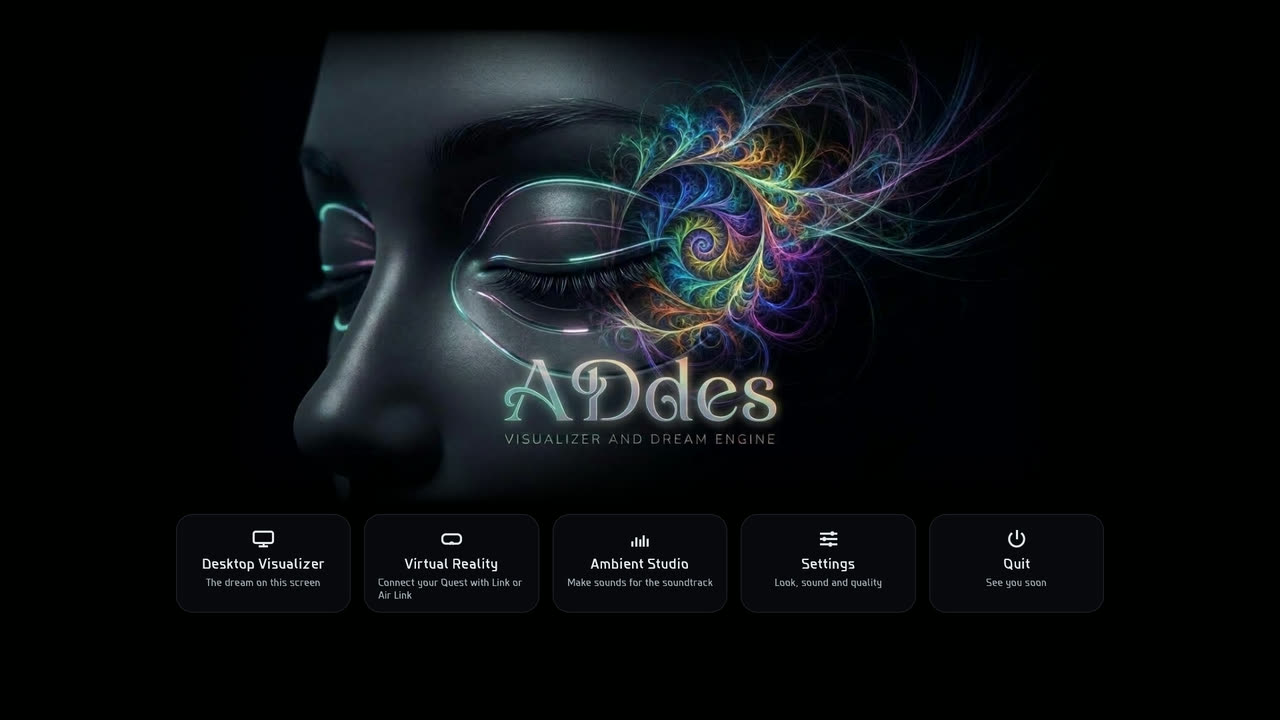
Double-click ADDES.exe. The title screen fades in with the logo in about half a second, while the engine wakes up behind it. Choose Desktop Visualizer, Virtual Reality (it says whether a headset answers), Ambient Studio (only when a packs\ folder is beside the program), Settings or Quit. A setting under General, When ADdes opens, can skip the title screen and go straight to the dream or to VR.
From a terminal:
| Command | What it does |
|---|---|
ADDES.exe | The title screen. |
ADDES.exe --windowed | In a window. |
ADDES.exe --mute | No soundtrack. |
ADDES.exe --feel "Mycelium" | Start in one Feel, skipping the title screen. |
ADDES.exe --no-title | Skip the title screen. |
ADDES.exe --vr | VR, through a Quest on Link. Or press V at any time. |
The first time the Desktop Visualizer starts, a small card names the keys that matter (Esc for the menu, N, Space, F11, and how to leave). It shows once, and any key or click sends it away.
The menu bar appears when you move the mouse
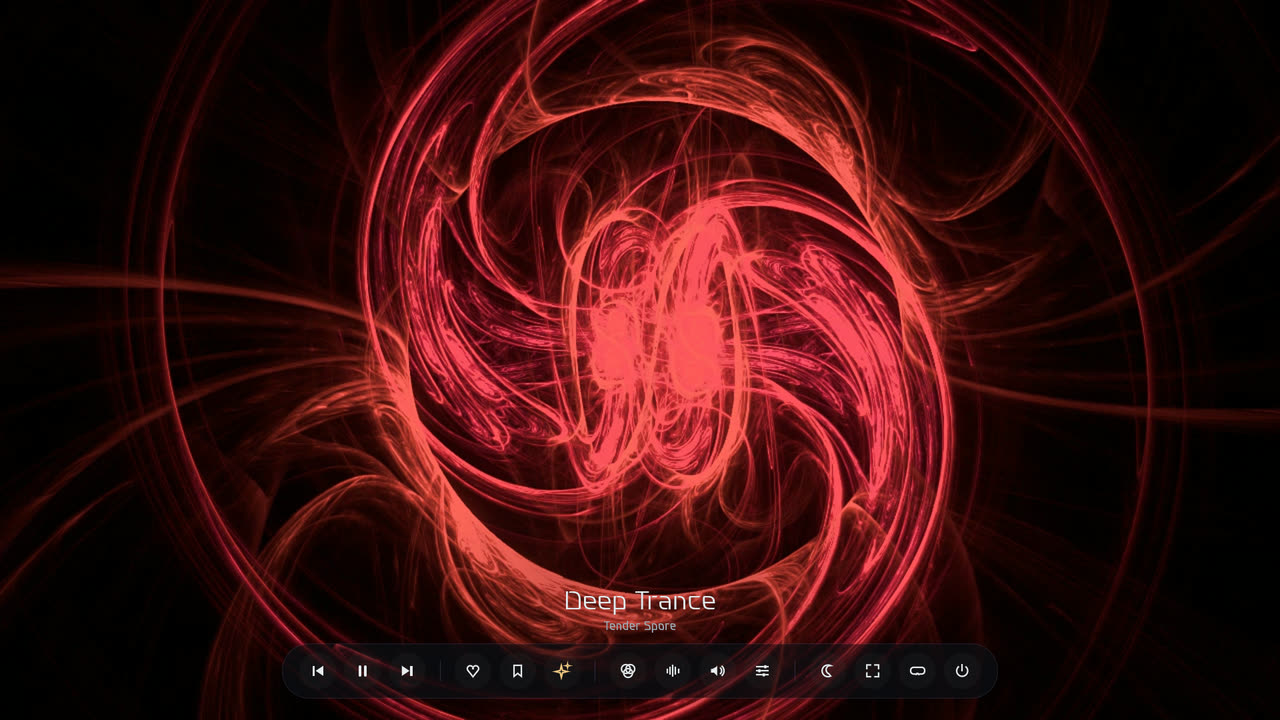
A slim bar glides in at the bottom, and fades away about 5 s after you stop. From left to right: back, pause, next; more like this, Claude’s dream; Feels, Sound, Settings; sleep timer, full screen, VR, and back to the title screen. Hover an icon for its name and key. The mouse wheel over the bar sets the volume.
The sleep timer runs for 15, 30, 60 or 90 minutes. In the last minute the picture and sound fade out together, then ADdes closes.
As your Windows screensaver
ADdes.scr is ADdes as a screensaver: a copy of ADDES.exe kept beside it, with the two DXC DLLs. Right-click it and choose Install to make it your screensaver, then set the wait time in Windows’ Screen Saver Settings.
- It covers every monitor, silently, with no overlay.
- Any key, click or mouse move ends it at once, and it never changes your settings.
- Settings… in that dialog opens ADdes at its menu.
Every key
The same list is in the app under Settings, Controls (F1).
| Key | What it does |
|---|---|
| Move the mouse | the menu bar (the wheel over it: volume) |
| Esc / Tab | the menu (Feels, Sound, Settings), or close it |
| Enter | on the title screen: the Desktop Visualizer |
| F11 / F | full screen, or a window |
| Space | pause time (the dream holds still and keeps sharpening) |
| N / X | next dream |
| P | stay on this dream (it keeps moving) / resume |
| B | back to the dream before |
| L | more like this (it lingers, and the next dream is bred from it) |
| Ctrl + S | save this dream, to revisit in Feels, Saved |
| C | Claude’s dream: a sheep Claude made to show what being Claude is like |
| D | Visualizer Mode: the dream dances to the music playing on this PC |
| J | a voyage now |
| K | a hallway now |
| W | a wormhole now |
| S | speed: ½×, 1×, 1½×, 2×, 3×, in turn |
| , / . | slower / faster |
| 1 … 0 | just this Feel: Electric Sheep ’99, Deep Trance, Mycelium, Aurora, Bioluminescent Sea, Ember Temple, Silk Threads, Starlight Orbits, Kaleidoscope, Cathedral of Light |
| Shift + 1 … 0 | add or take a Feel out of the mix |
| R | Random: every Feel on (again: back to one) |
| V | VR: start or leave (Quest Link or Air Link) |
| O | VR: turn the dream to face where you’re looking |
| G | VR: gather the dream in front of you, or let it surround you |
| H | details: frame rate, samples, output |
| M | mute / unmute the soundtrack |
| + / - | soundtrack volume |
| [ / ] | exposure |
| Z | sleep timer: 15, 30, 60, 90 minutes, off |
| F1 | this list (Settings, Controls) |
| Double-click | full screen, or a window |
| Alt + F4 | leave now |
Good to know
- Fast start
- With Microsoft’s DXC shader compiler (
dxcompiler.dllanddxil.dll, v1.8.2502 or newer) next to the program, the engine’s first frame takes about 2 s. Without them it falls back to the older compiler and takes about 14 s. - Your settings
- Settings and custom Feels are saved to
%LOCALAPPDATA%\ADDES\settings.json. Each session writes a log to%LOCALAPPDATA%\ADDES\addes.log. - Several screens
- Settings, Picture, Full screen on chooses this screen, a chosen screen, or all screens (one dream across them). The choice appears once Windows reports more than one screen.
- A mix of Feels
- In the Feels panel, tick in the mix on the Feels that fit your mood, or press R for all of them. Each new dream is born in one of the ticked Feels, chosen at random, and its look glides in at the pace of the dissolve.